Builds real, working frontend code for a page or component with a committed aesthetic direction and your brand applied.
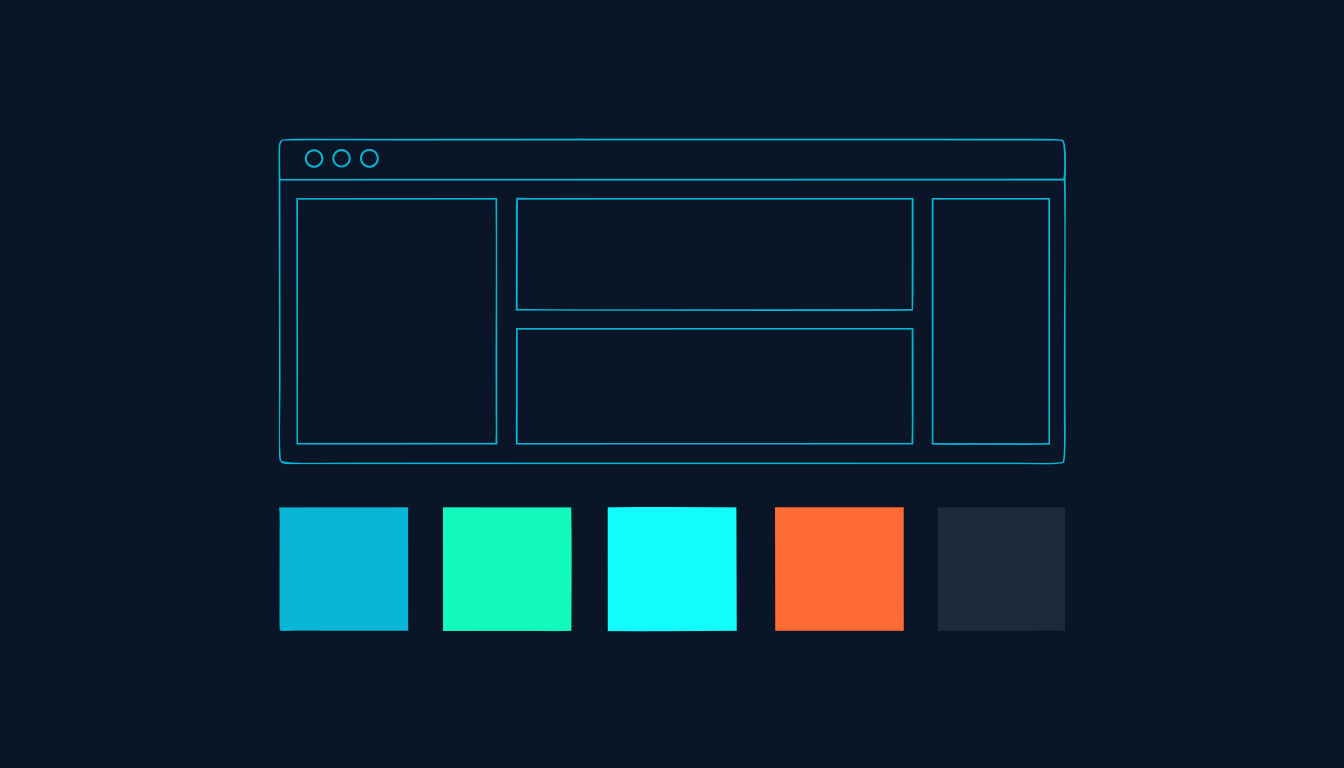
Produces working production-grade frontend code: HTML, CSS and JS, or React or Vue, for a component, page, application or interface. It commits to one clear aesthetic direction and executes it, rather than defaulting to the purple-gradient-and-Inter look every AI code generator produces. When the workspace has brand colours and fonts defined, those become the primary palette and typography and the creative choices extend them. In a client workspace (client--*) every visual uses the client's identity with no agency branding, so the output is ready to present.
This skill has no button. You start it by saying what you want. Any of these will do it:
| If you actually want | Use this instead |
|---|---|
| a scored quiz, calculator, scorecard or audit tool as a self-contained lead-capture app, since that skill owns the scoring logic, gate screen and CRM webhook and calls this one only for the look | interactive-lead-magnet |
| planning the funnel itself: page order, email and SMS sequences, CRM wiring | funnel-architect |
| generating pages at scale from a template plus a dataset | programmatic-seo |
| writing the persuasive copy that fills the layout | legendary-copywriters |
| image or video generation prompts | creative-director |
| What you need | Why | |
|---|---|---|
| A brief covering what the interface is, what problem it solves, who uses it, and any technical constraints such as framework, performance or accessibility requirements | the skill's first move is to establish purpose, tone, constraints and differentiation, and a vague brief produces a generic answer | Required |
The copy that goes on the page, or a plan to chain legendary-copywriters for it | this skill builds the layout and the design system, not the words in it | Required |
Brand colours and fonts recorded in context.md or voice-profile.md for the active workspace | without them the skill applies full creative freedom, so the page will be well designed but will not match your brand | Optional |
For a client build, the client's own brand files in the client--* workspace, not the agency's | colours, fonts, logo and imagery all come from the active workspace, so the wrong workspace produces the wrong brand | Optional |
brand/_language.md set, if the deliverable is not in English | user-facing output follows the language specified there, while the skill's own instructions stay in English | Optional |
brand/_language.md for output language, then voice-profile.md and context.md for brand colours and fonts. If the workspace is client--*, it locks to the client's identity and strips agency branding from everything visual.assets.md. It has no learning loop of its own, so quality is assessed through whichever parent skill called it. Nothing about a run is remembered for the next one.legendary-copywriters, otherwise you get a beautiful layout wrapped around placeholder text.context.md or voice-profile.md.| The mistake | Do this instead |
|---|---|
| Briefing it with 'make it look professional' or 'make it modern' | Name the tone extreme you want: editorial, brutalist, luxury, industrial, soft pastel. The skill will pick one regardless, so pick it yourself and get the direction you had in mind. |
| Running it with no brand colours or fonts set, then being surprised the page looks nothing like the brand | Put the hex codes and font names in context.md or voice-profile.md first. With them defined they become the primary palette rather than a suggestion. |
| Using it to build a quiz, calculator or scorecard | Use interactive-lead-magnet. It owns the scoring logic, the gate screen and the CRM webhook, and it calls this skill for the visual layer. |
| Accepting the first output without checking it | Read it against the seven anti-patterns. Three identical cards in a row, four buttons of equal weight, or the same padding on every section all mean the design intent did not land. |
| Building for desktop and reviewing on desktop | Check it at 375px. The skill designs mobile-first and mobile is where most visitors will see it. |
Ask for one memorable thing and say what it is. The skill's own design thinking asks what makes the interface unforgettable, and that question is where a page stops being competent and starts being distinctive. Its worked example shows the shift: a monospace kicker above the headline, an asymmetric left-weighted layout, a specific claim instead of a vague benefit line, and one CTA carrying real visual weight while nothing else competes with it.