Runs the whole build sequence for you: it decides what is next, launches the right skill, and tracks progress.
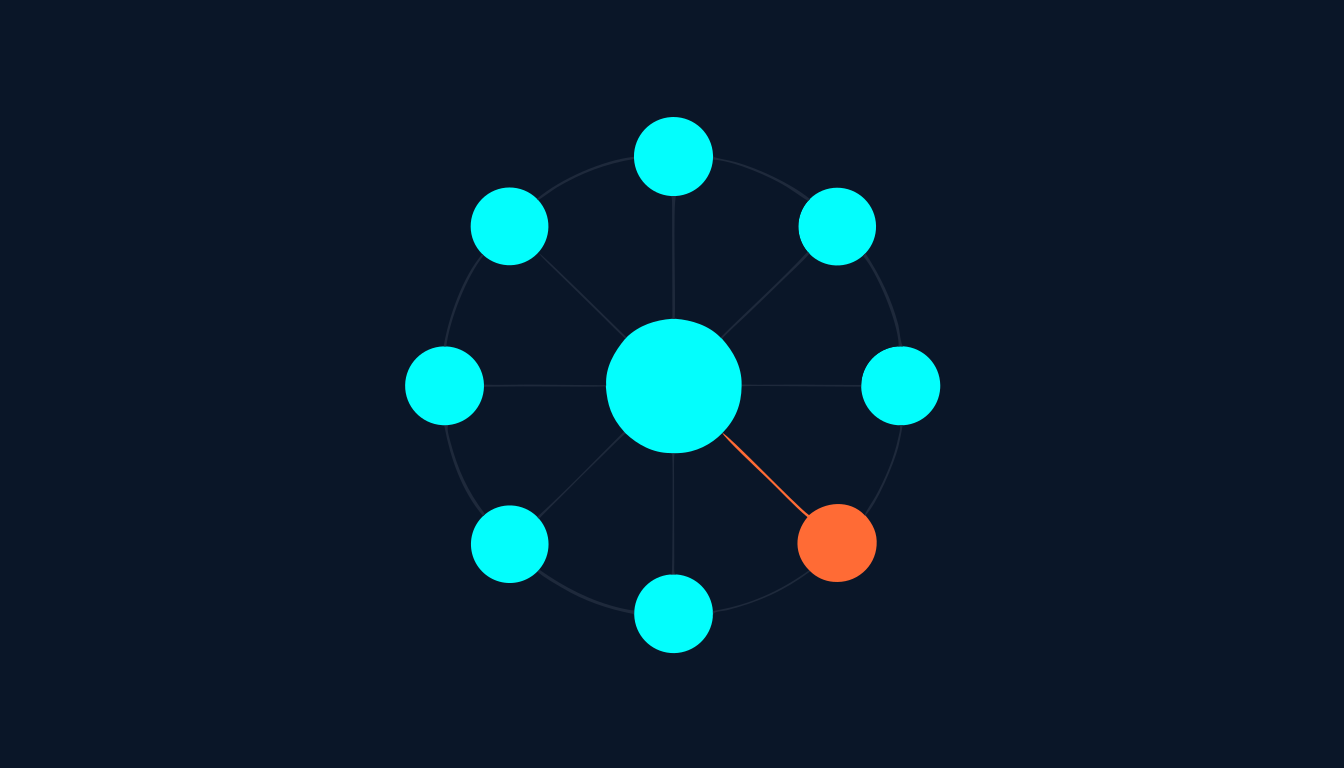
Sequences the eight Agency OS builds and hands each one to the skill that owns it. Build 1 (Brand DNA) runs once per workspace. Builds 2 to 8 (ICA, Offer, Funnel, Content, Ads, Sales, Delivery) run once per product, and a workspace can hold several products running at different stages. After every build it writes the build status, regenerates agency-dashboard.html, opens it, offers you a slide deck, and tells you what is next. It writes no deliverables itself: it routes, gates, and keeps state.
This skill has no button. You start it by saying what you want. Any of these will do it:
| If you actually want | Use this instead |
|---|---|
| You already know which single build you want to run | the build skill directly (brand-dna, ideal-customer-avatar, offer-architect, funnel-architect, content-system-architect, meta-lead-system, sales-conversion-engine, client-delivery-engine) |
| Winning clients for your own agency through outbound | agency-sales-system |
| Pressure-testing a deliverable that is already written | critique |
| Keeping or expanding the clients you already have | client-retention or referrals |
| What you need | Why | |
|---|---|---|
| Nothing for the first run | it creates the brand/ folder, the _default workspace and your CLAUDE.md config silently on first load | Required |
| Build 1 (Brand DNA) complete or lite | the prerequisite gate reroutes every product build back to Brand DNA until it exists | Required |
| A GoHighLevel account | GHL is the default deployment platform for funnels, pipelines and automations. Without it you still get every document, but nothing deploys | Optional |
| Web research access (Firecrawl, Perplexity, or plain web search) | Builds 2 to 7 run a blocking market research pass first. Without a tool it writes an error stub and continues | Optional |
| For a client workspace: their name, industry, website and social handles | the new-client flow asks for all four before it creates the workspace | Optional |
brand/ if missing. On a brand new install it asks once whether you want English or Deutsch._default. Once you have completed builds it asks whether this session is for your agency or a client. Choosing client asks for the name, industry, website and social handles, then creates brand/client--[name]/..status.yml files and shows where each product stands, then suggests exactly one next action. It is not a menu. Next up is the product furthest behind in the sequence.market-intel.md..status.yml, regenerates and opens the dashboard, then asks whether you want the slides. That question blocks: it waits for your answer./set-niche. Then it tells you the next build and stops.brand/[workspace]/agency-dashboard.html, regenerated and opened after every buildbrand/[workspace]/build-overview.md plus .docx, a snapshot of progressbrand/[workspace]/.status.yml and a per-product .status.yml recording what is complete and what is nextagency-deck.pptx, cumulative, only if you say yes at the opt-in (one deck per product in multi-product mode).md and .docx where applicableopen command. On Windows or Linux it skips silently and you open the file yourself.| The mistake | Do this instead |
|---|---|
| Treating the welcome screen as a menu and picking any build you like | Accept the suggested next action or name a specific product and build. The suggestion is the one that keeps the sequence intact. |
| Running Build 1 again for every new product | Brand DNA is brand-scope. It runs once per workspace. Products start at Build 2. |
| Typing folder-style slugs when naming a product | Type the product name in plain English. It converts the name to a folder name itself and shows you the name, never the slug. |
| Assuming a new client workspace means delivery work | New client means a new workspace to build for. Delivery (Build 8) only opens once that product has its Offer, or when you run /deliver-client explicitly. |
| Skipping Brand DNA because the interview looks long | Run /first-win instead. The lite profile passes the gate and fills in build by build. |
You do not have to finish the full Brand DNA interview to start building. A lite profile from /first-win passes the prerequisite gate, and each later build closeout quietly asks one or two profile questions until the profile completes itself.